




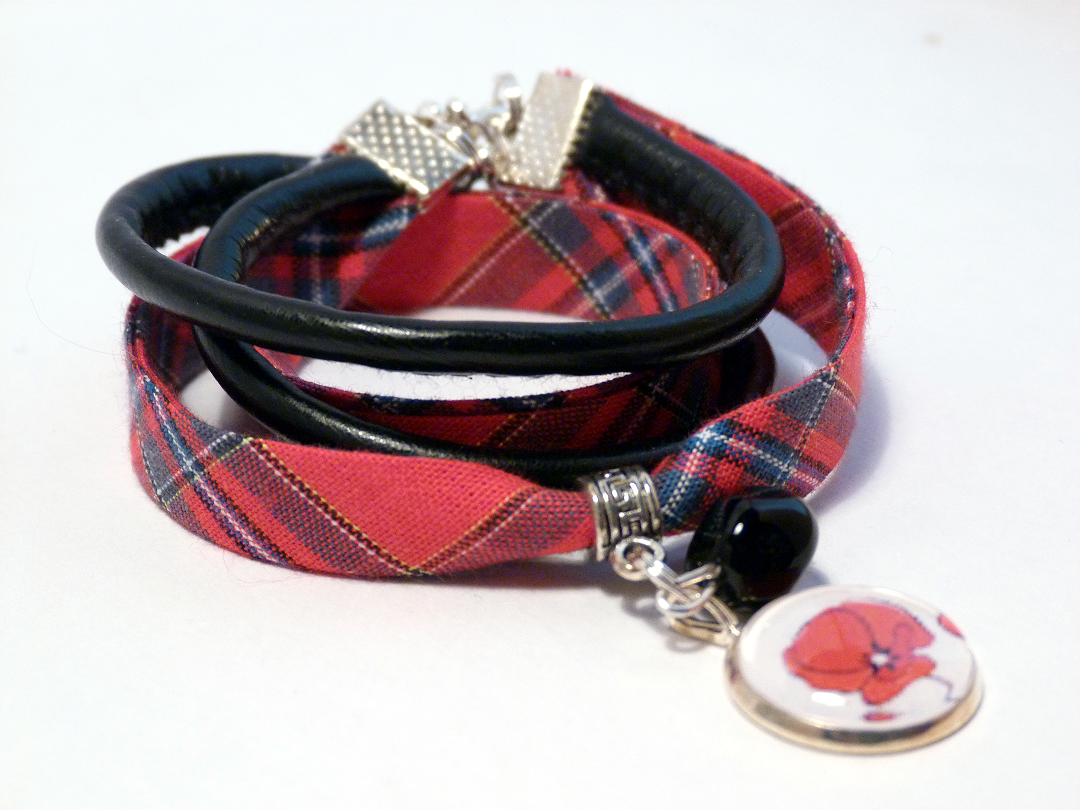
Mes créations...
Album créé par
soso ·
Mis à jour
Ma première passion reste mon métier, mais on sait tous qu'il demande un investissement et un don de soi-même important...
Créer me recentre, me calme, m'apporte de la sérénité, un bol d'air...
www.fimosophie.com
https://twitter.com/fimosophie1
https://fr.pinterest.com/fimosophie/
16 images
-
Par soso
-
Par soso
-
Par soso · 4 commentaires
-
Par soso · 6 commentaires
-
Par soso
-
Par soso · 1 commentaire
-
Par soso
-
Par soso · 2 commentaires
-
Par soso
-
Par soso · 5 commentaires
-
Par soso
-
Par soso
-
Par soso
-
Par soso
-
Par soso
-
Par soso · 2 commentaires
Statistiques de la galerie
- Images 3.3k
- Commentaires 2.2k
- Albums 269
0 Album Comments
Il n’y a aucun commentaire à afficher.