





Aller au contenu
View in the app

A better way to browse. Learn more.

Forums Enseignants du primaire

A full-screen app on your home screen with push notifications, badges and more.

To install this app on iOS and iPadOS
  1. Tap the Share icon in Safari
  2. Scroll the menu and tap Add to Home Screen.
  3. Tap Add in the top-right corner.
To install this app on Android
  1. Tap the 3-dot menu (⋮) in the top-right corner of the browser.
  2. Tap Add to Home screen or Install app.
  3. Confirm by tapping Install.

page 6

MS

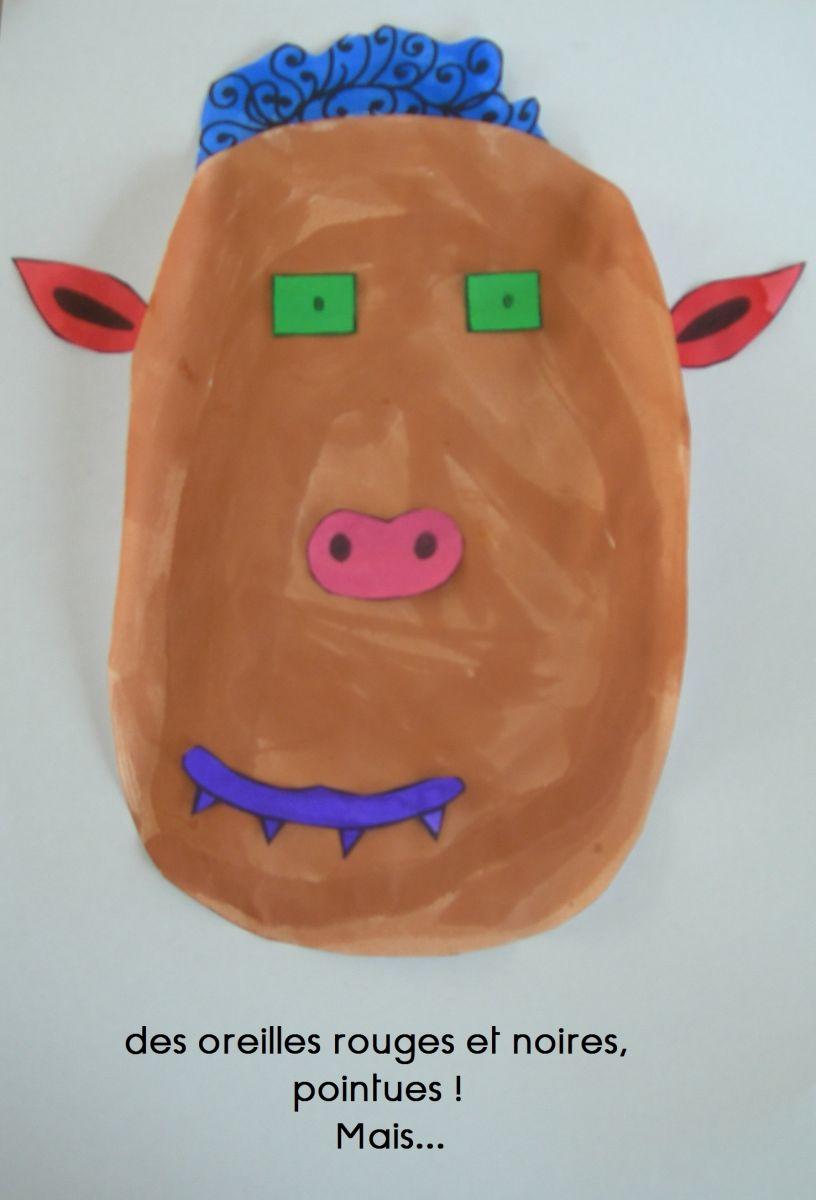
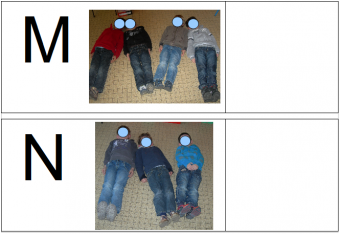
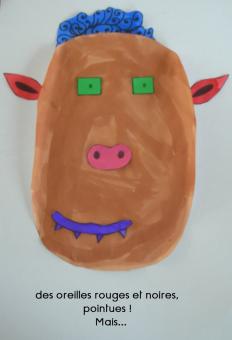
Travail des élèves par groupe de 4 : constitution de son monstre (choisir les différents éléments du visage du monstre parmi plusieurs, les colorer de la couleur souhaitée), constituer son monstre au fur et à mesure et dicter le texte correspondant à la maîtresse.

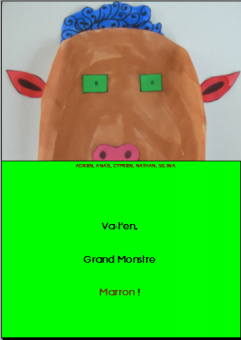
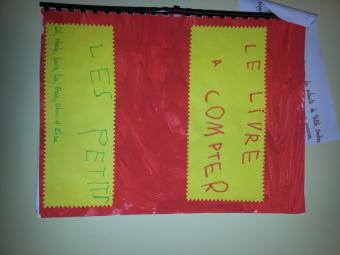
Travail de la maîtresse : prendre les photos du monstre tout au long de sa constitution et copier le texte dicté correspondant, fabriquer le livre (un livre par élève)

Chaque groupe présente son monstre et raconte son histoire aux autres groupes.

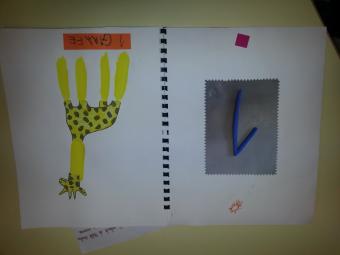
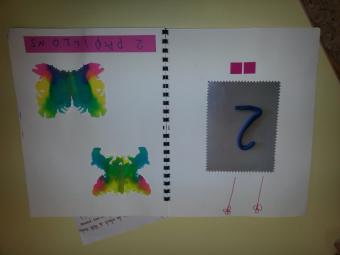
A partir du livre, va t'en grand monstre vert

  • From the category:

    Photographies diverses

    · 221 images

    Account

    Navigation

    Rechercher

    Rechercher

    Configure browser push notifications

    Chrome (Android)
    1. Tap the lock icon next to the address bar.
    2. Tap Permissions → Notifications.
    3. Adjust your preference.
    Chrome (Desktop)
    1. Click the padlock icon in the address bar.
    2. Select Site settings.
    3. Find Notifications and adjust your preference.